
Disclosure: This article may contain affiliate links. We earn a commission at no extra cost to you if you purchase through our links. We only recommend tools we genuinely believe in.
Six months ago I added up everything I was paying for AI tools and automation, and wrote about it in I Audited My AI Automation Costs Again, 6 Months Later. That audit answered one question: how much am I spending? It did not answer the question that actually matters every quarter: which of these tools still earns its place?
A subscription is easy to start and hard to notice. You sign up for a free trial to test one workflow, the trial converts, and the tool sits on your card for a year while you use it twice. Multiply that by a dozen tools and you have a stack that costs real money and, worse, a stack you no longer understand. Every tool you keep is a tool you maintain, update, debug, and explain to yourself again every time it breaks.
This post is the quarterly audit I run on my own stack. It takes about an hour, it uses a spreadsheet and your billing history, and it ends with a short list of decisions: keep, downgrade, replace, or cut. No new tool required.
The Problem: The Stack Grows Faster Than the Work
Four things happen when a tool stack grows without a regular audit:
- You pay for the same job twice. Two writing tools, two schedulers, two automation platforms that overlap on 80 percent of what they do. Each one is cheap on its own. Together they are a second subscription you did not plan for.
- You forget what each tool is for. A tool bought for one specific workflow becomes a general-purpose habit, and the workflow it was bought for quietly moved somewhere else months ago.
- Every tool is a failure point. This is the lesson from Building an AI Content Pipeline That Doesn't Die When One Tool Does: the more tools in the chain, the more often something breaks at 9 a.m. on a Monday.
- Trials convert silently. The trial that ended in March is still billing in November because nobody ever looked at the card statement with a list in hand.
An audit is not about being cheap. It is about knowing, tool by tool, what each one does for you, what it costs, and what happens if it disappears tomorrow. That is the whole job.
The Stack Inventory: One Spreadsheet, Four Columns
Start with the list, not the judgment. Open your card or bank statements for the last three months and write down every AI or automation subscription you find, including the annual ones that only show up once a year. Then add the free tools you actually rely on, because a free tool that breaks your workflow still needs a decision.
| Column | What goes in it | Example |
|---|---|---|
| Tool | Name and plan | Writing assistant, Pro plan |
| Cost | Monthly or annual, as billed | $20 per month, billed monthly |
| Job | The one workflow it owns | Drafts first versions of client reports |
| Last used | The last date you actually used it for that job | Last Tuesday, or three weeks ago |
Be honest in the last column. "I opened it last week" is not the same as "I used it for its job last week." If you cannot name the last time a tool did its job, that is already a finding.
The Four Decisions
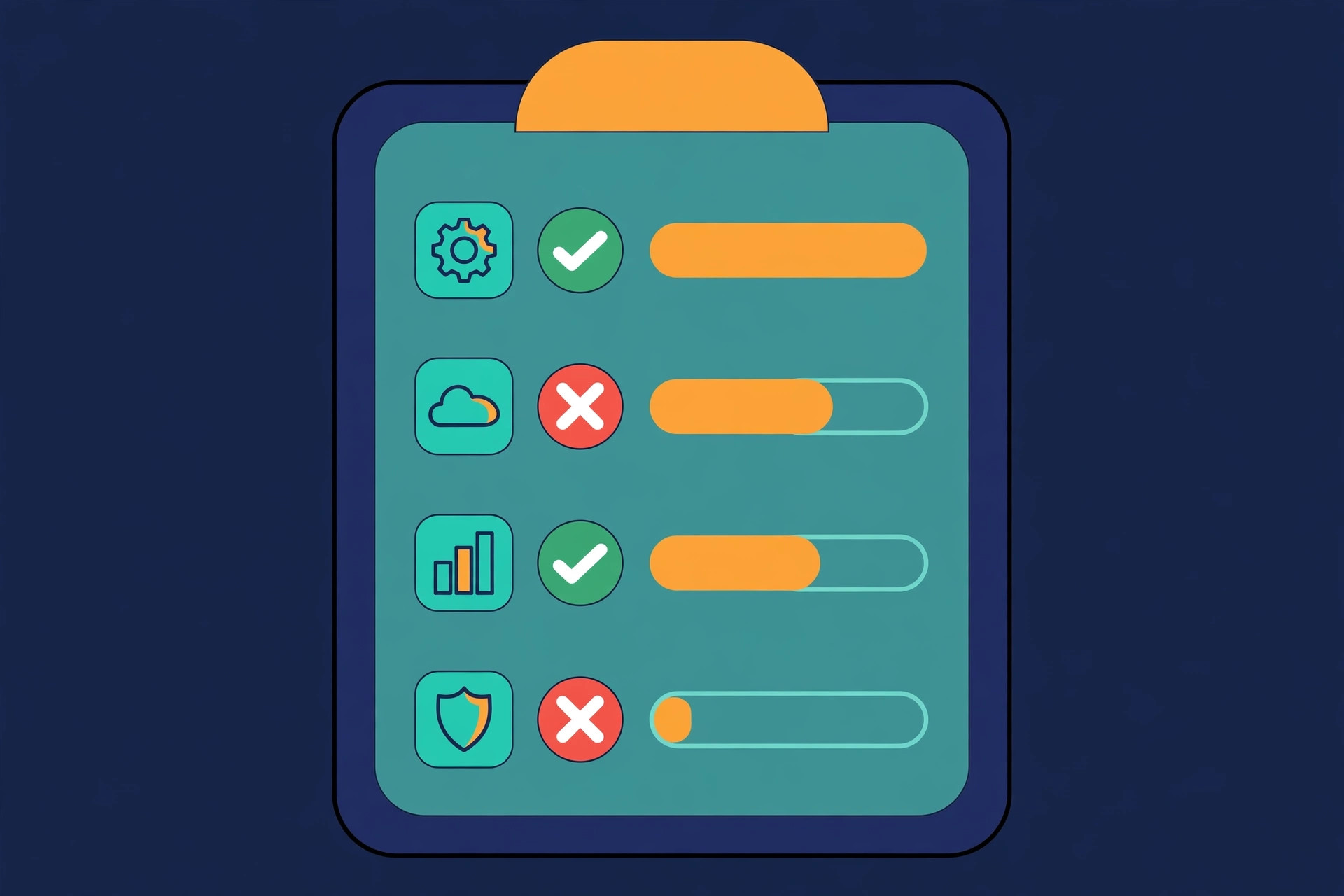
Every tool gets one of four verdicts. No fifth option, no "maybe later" pile, because the maybe pile is where subscriptions go to live forever.
| Verdict | Rule | What happens next |
|---|---|---|
| Keep | It owns a job nobody else does, and you used it in the last 30 days | Leave it alone until next quarter |
| Downgrade | It earns its place, but on a cheaper tier | Switch the plan today, not next month |
| Replace | The job matters, but another tool you already pay for does it as well | Move the workflow, then cancel |
| Cut | No job, no recent use, or the job moved elsewhere | Cancel today, and note the replacement or the fact that nothing replaces it |
The downgrade is the verdict people skip. A Pro plan you use at 20 percent of its limits is a downgrade waiting to happen. Check the plan page before you assume you need the tier you are on, and check whether an annual plan you are already paying for makes the monthly math look worse than it is.
The Audit in Four Steps
Budget about an hour, as a planning figure. Four steps, in this order, every quarter.
- Step 1, 15 minutes: Build the inventory. Card statements, the spreadsheet, four columns. Include the tools you forgot you had. Those are usually the most interesting rows.
- Step 2, 15 minutes: Score each tool on its job. For every row, answer three questions. Does it still own a job I care about? Did I use it for that job in the last 30 days? Is there another tool I already pay for that does the same job? Two no answers in a row means cut or replace.
- Step 3, 15 minutes: Check the overlap table. Put your tools in a simple grid by job: writing, research, scheduling, automation, reporting. Any job with two tools in it is a decision you have been avoiding. Pick one, move the workflow, cancel the other.
- Step 4, 15 minutes: Act, then record. Cancel, downgrade, or replace now, while the list is in front of you. Then write the verdict next to each row, with the date. That record is what makes next quarter's audit take 30 minutes instead of an hour, because you are not re-deciding the same tools.
What a Clean Stack Looks Like
A stack that passes the audit has a shape you can describe in one sentence per tool. If you cannot describe what a tool does in one sentence, you do not have a tool, you have a habit.
| Job | How many tools | Test |
|---|---|---|
| Writing and drafting | One | A second writing tool needs a job the first one cannot do |
| Research and summaries | One | If two tools summarize the same sources, keep the better one |
| Automation and workflows | One primary, one specialist | A specialist earns its place only for a job the primary platform genuinely cannot run |
| Scheduling and publishing | One | Two schedulers means two calendars to keep in sync |
| Reporting and analytics | One | The report tool is the one the client actually reads |
The point is not a small number for its own sake. The point is that every tool on the list has a job, a recent use, and no twin. When a new tool arrives, and one always does, it has to take a job from something already on the list, or it does not get in.
What Breaks, and the Guardrail for Each
| Failure | Warning sign | Guardrail |
|---|---|---|
| The audit finds nothing to cut | Every tool feels essential, but the bill keeps growing | Use the 30-day use test, not the feeling. Feeling is how the stack grew |
| You cut a tool, then need it | A workflow breaks the week after the cancellation | Before cutting, write down the workflow it owned and where that workflow lives now |
| Annual plans hide the cost | The monthly total looks fine, then a $400 annual charge lands | List annual plans in the inventory with their renewal date, not just their monthly equivalent |
| A free tool becomes load-bearing | A core workflow depends on a free tier with no support | Flag free tools in the inventory the same way you flag paid ones, and name the paid fallback |
| The audit never happens | Three quarters pass and the spreadsheet is still from spring | Put it on the calendar as a recurring event, first Monday of the quarter, one hour, no rescheduling |
| You re-add a cut tool | A new trial starts for a tool you cancelled last quarter | Check the verdict record before any new trial. If you cut it once, the trial needs a new reason, not a new landing page |
Rule: a tool keeps its place by doing a job, recently, that nothing else on the list does. If it cannot pass that test, it goes on the cut list, and the cut happens today, not at renewal.
Lessons at the End
- The inventory is the audit. Most of the value is in the list itself. Until you see every subscription in one place, you are guessing at what your stack costs and what it does.
- Thirty days is the test, not a feeling. If a tool has not done its job in the last 30 days, it is on probation, whatever you remember about how useful it once was.
- Overlap is a decision, not a coincidence. Two tools doing the same job means you have already decided one of them is unnecessary. The audit just makes you say which one.
- Downgrade before you cut. A cheaper tier on a tool you use beats a cancellation you regret. Check the plan page first.
- Write the verdict down. The record is what makes the next audit fast, and it is what stops you from re-trialling a tool you already cut for a good reason.
- A small stack breaks less. Fewer tools means fewer logins, fewer updates, fewer Monday morning failures, and a workflow you can actually explain to someone else.
If you run only one thing from this post, run the inventory: every AI and automation subscription from your last three months of statements, four columns, one hour, first Monday of the quarter. The cuts and downgrades pay for the hour. The list is what keeps the stack from growing back.