Disclosure: This article may contain affiliate links. We earn a commission at no extra cost to you if you purchase through our links. We only recommend tools we genuinely believe in.
This blog died once, and the reason was embarrassingly simple. The whole publishing pipeline lived inside one tool. When that tool stopped working, there was no queue of finished posts, no manual publish path, and no copy of the system anywhere else. The content stopped, and the silence lasted months. I told that story in I Let an AI Agent Run This Blog. Then It Died., and this post is the fix I built after it: a content pipeline designed so that no single tool can kill it again.
This is a playbook, not a victory lap. It borrows the audit habit from I Audited My AI Automation Costs Again, 6 Months Later: list every piece, ask what happens if you pause it, and keep the parts that earn their place. The pipeline below is deliberately boring. Boring is the point. A pipeline you can rebuild from a folder of text files is a pipeline that survives.
The Problem: One Tool, Every Job
Most content pipelines fail the same way. One platform holds the drafts, the schedule, the images, the publishing button, and the distribution list. That feels efficient while it works, and it is a single point of failure the whole time. When it breaks, you do not lose one step. You lose the entire operation, and you lose it on the day you were planning to publish.
The failure usually looks like one of these:
- The tool dies or changes: the platform shuts down, changes its pricing, or drops the feature your workflow depended on.
- The account breaks: a login fails, an API key expires, or an integration silently disconnects, and nothing publishes until someone notices.
- The queue is empty: everything was generated just in time, so one bad week means a silent blog, because there was nothing finished to fall back on.
- The content is trapped: drafts live only inside the tool, in its format, so moving them out means rebuilding them by hand.
If your pipeline cannot survive losing any one piece, it is not a pipeline. It is a bet on that piece.
The Design Rule: Own the Content, Rent the Tools
The rule that fixes most of this is short: own the content and the calendar, rent everything else.
Your posts should live as plain text files in a folder you control, in a format any tool can read. Markdown is the obvious choice, and it is what this blog uses. The calendar should be a simple list: what is drafted, what is scheduled, what is published, and what is next. The tools that draft, edit, generate images, and publish are interchangeable parts. Any one of them can be swapped, paused, or replaced, and the content stays put.
That split gives you the test for every new tool you consider: if this tool disappeared tomorrow, would my drafts, my images, and my schedule still exist somewhere I can reach? If the answer is no, the tool is holding your pipeline hostage, and you fix that before you depend on it.
The Pipeline, Stage by Stage
Here is the pipeline in the order a post actually travels through it. Each stage has one job, one owner, and one fallback, and the fallback is written down before it is needed, not invented during an outage.
| Stage | Job | Tool options | If it dies, you still have |
|---|---|---|---|
| Capture | Ideas, outlines, and source notes | Notion, Google Docs, or a plain text file | The idea list, in a file you control |
| Draft | A finished post in markdown | Any AI writing tool, or your own editor | The markdown file, ready to publish as is |
| Images | Hero plus one in-body image | Any image generator, or stock photos | The post, which can publish with a placeholder and be updated later |
| Review | One read for accuracy, tone, and formatting | You, or one editor | The draft, unchanged and still publishable |
| Publish | The post goes live on your site | Your site repo and host, or your CMS | The repo, the files, and a manual deploy path |
| Distribute | The post reaches readers | Your newsletter tool, or social scheduling | The live URL, which you can share by hand |
Notice what is not in the table: a step where only one tool knows something important. The draft does not live only in the AI tool. The schedule does not live only in the scheduler. The images do not live only in the generator. Every stage hands its output to a file you own before the next stage starts.
Step 1: Write in Files, Not in Tools
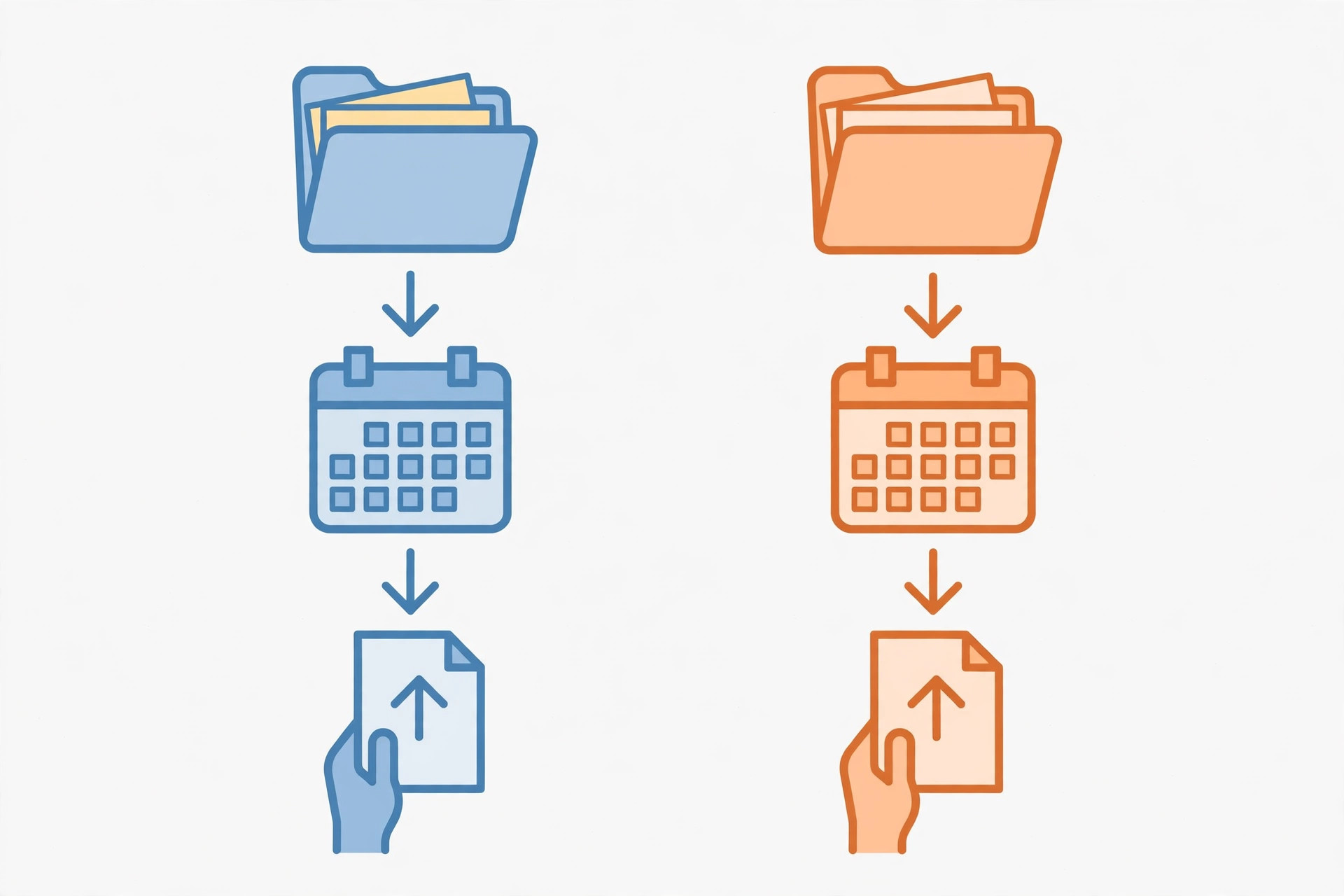
Start every post as a markdown file in one folder, with a clear name and a short header: slug, title, category, and date. That file is the post. Everything else, the site, the newsletter, the social thread, is a copy of it.
This sounds trivial, and it is the step that saves you. When my old pipeline died, the posts were not the problem. The system around them was. A folder of markdown files can be published by any static site, any CMS import, or, in a pinch, pasted into any editor by hand. A draft locked inside a dead tool cannot be published by anything.
Keep the format simple enough that a new tool can read it without conversion. Headings, bullets, bold text, links, images, and tables. If a tool needs a special format to hold your draft, that tool is the wrong place to store it.
Step 2: Keep a Buffer, Always
The second fix is a buffer: finished posts, reviewed and ready, sitting ahead of the publish date. A buffer of two weeks is a reasonable target for a daily blog, and even a buffer of three finished posts changes the failure mode completely. When a tool breaks, the question stops being "what do we publish today" and becomes "how long do we have to fix this before the buffer runs out."
The buffer has rules, or it quietly empties itself:
- Never publish from the buffer to catch up on a missed week. Publish one post a day, in order, and let the buffer rebuild.
- Refill before you are empty. When the buffer drops below your target, drafting is the priority, not a new tool or a new format.
- Date the buffer, not just the post. A post written for one week may need a freshness check before it runs three weeks later, especially if it names prices, versions, or tools that changed.
A buffer is not backlog for its own sake. It is the time you buy yourself to fix a broken tool without going silent.
Step 3: Separate Drafting From Publishing
The pipeline that died merged drafting and publishing into one automated run. One job did the research, the writing, and the posting, so one failure stopped all three. Split them apart, and a failure in one becomes an inconvenience in that one stage.
In practice, that means:
- Drafting produces a file. The job is done when the markdown file exists, whether a human or an AI wrote it.
- Review is a separate pass. One read, one checklist: disclosure at the top, no invented numbers, links checked, images attached, formatting clean.
- Publishing is a separate action. A push, a deploy, or a CMS publish, done after review, never as a side effect of drafting.
If drafting breaks, you still have the buffer to publish from. If publishing breaks, you still have finished drafts waiting. No single break stops the blog.
Step 4: Write Down the Manual Path
Every automated step needs a manual version, written down while things are working. This is the step most people skip, because writing down a manual path feels like admitting the automation might fail. It will fail, eventually, and the manual path is what keeps the cadence alive while you fix it.
For this blog, the manual path is short:
- If the draft tool fails: write the post directly in the editor, from the outline in the capture file.
- If the image tool fails: publish with a simple placeholder image, then replace it when the tool is back.
- If the deploy fails: check the host dashboard, redeploy from the repo, and if that fails, publish the post text through the newsletter or a social thread so readers still get it that day.
- If everything fails: publish one short post by hand, even a brief note, rather than going silent. Silence is the failure mode you are designing against.
Test the manual path once, before you need it. A fallback you have never run is a guess, not a plan.
Step 5: The Weekly Check, About 30 Minutes
Automation rots quietly, and so do buffers. Budget about 30 minutes a week, as a planning figure, not a measured result, to keep the pipeline honest:
- Count the buffer. How many finished, reviewed posts are ahead of today? If it is below target, drafting is this week's job.
- Check one live post. Does it load, do the images show, do the internal links work? A silently broken publish step is worse than no automation, because you stop checking.
- Check one integration. Is the deploy still connected, is the newsletter tool still authenticated, is the scheduler still running?
- Delete or refresh one stale thing. An outdated draft, a dead link, a tool you stopped using but still pay for. The audit habit from the costs post applies here too.
That check is also where you catch the early warning signs. My newsletter died a full month before the blog did, and I missed it because I was watching the posts, not the system around them. Watch the system.
What Breaks, and the Guardrail for Each
| Failure | Warning sign | Guardrail |
|---|---|---|
| Tool shuts down or changes pricing | Feature removed, price jump, support goes quiet | Content lives in your files, so swapping tools is a day of work, not a rebuild |
| API key or login expires | Scheduled post silently skips a day | Weekly check plus a buffer, so one missed day is visible before it becomes a missed week |
| Draft queue runs dry | Buffer count falls week after week | Drafting becomes the priority job, before new tools or formats |
| Images fail to generate | Post publishes with a broken image | Publish with a placeholder, replace later; the words ship on time |
| Deploy or host breaks | Post is ready but not live | Manual deploy from the repo, and a newsletter or social post carrying the content that day |
| One person owns everything | Nobody else knows the manual path | Write the path down, in the same folder as the posts, where the next person can find it |
Lessons at the End
- Own the files, rent the tools. If a tool holds the only copy of your content, it owns your pipeline.
- A buffer is time, not backlog. Finished posts ahead of schedule are what turn a tool failure into a repair window instead of a silence.
- Separate drafting, review, and publishing. One merged job fails all at once. Three separate jobs fail one at a time.
- Write the manual path down. A fallback you have never tested is a guess, and guesses fail on the day you need them.
- Watch the system, not just the posts. The newsletter dying first was the warning I missed. Check the pipeline weekly, not just the output.
- Silence is the failure to design against. A short post published by hand beats a perfect post that never ships.
If you build only one thing from this post, build the folder: one folder, markdown files, a buffer of finished posts, and a manual publish path written down beside them. Everything else in the pipeline can change. That folder is the part that keeps publishing when a tool does not.