Disclosure: This article may contain affiliate links. We earn a commission at no extra cost to you if you purchase through our links. We only recommend tools we genuinely believe in.
In February I compared these tools in pairs. First n8n against Zapier, then Zapier against Make. Both posts still get traffic, and both are now out of date in the same way: nobody I talk to is choosing between two tools anymore. They are choosing between three, and they are usually choosing wrong, because they pick the tool their friend uses instead of the tool their workflow needs.
So this is the three-way version, updated for late 2026. No lab test, no invented win rate, just a decision framework I actually use when a founder or a marketing team asks me which automation platform to standardize on. The question is not which tool is best. The question is which tool fits the team that has to live with it.
It builds on N8N vs Zapier: The Automation Platform Comparison Nobody Talks About and on Zapier vs Make: I Used Both for 6 Months and One of Them Is Ripping You Off. If you have read those, this post is the decision layer on top of them.
The Short Version
- Zapier is the fastest way for a non-technical team to ship a reliable automation. It is also the easiest bill to outgrow.
- Make is the best middle ground for teams that want visual logic, branching, and data transformation without hiring a developer.
- n8n is the most powerful and the most flexible, especially if you self-host, and it is the only one of the three that asks you to own the infrastructure.
If you want one sentence per team: small team, simple flows, no technical help, start with Zapier. Growing ops team, branching workflows, cost sensitivity, start with Make. Technical founder, high volume, custom logic, or data you want to keep on your own servers, start with n8n.
At a Glance
| Zapier | Make | n8n | |
|---|---|---|---|
| Best for | Non-technical teams, quick wins | Ops and marketing teams with branching logic | Technical teams, high volume, self-hosting |
| Builder style | Step-by-step list | Visual canvas with routers and filters | Visual canvas plus code nodes |
| Code when you need it | Limited | Available, but not the point | First class, JavaScript and Python nodes |
| Self-hosting | No | No | Yes |
| Biggest risk | Task-based pricing that scales fast | Operation counting that surprises beginners | You own uptime, updates, and security |
| Learning curve | Lowest | Medium | Highest |
Pricing: Compare the Meter, Not the Monthly Price
This is where most comparisons go wrong. They list three starter prices side by side, as if the tools counted the same thing. They do not, and the meter matters more than the sticker price.
| Platform | What you are billed for | Where the bill grows | How to keep it in check |
|---|---|---|---|
| Zapier | Tasks, roughly one per successful action step | Multi-step flows, because every step counts | Keep flows short, filter early, drop steps that only format data |
| Make | Operations, roughly one per module that runs | Branching and loops, because every path runs modules | Use filters before heavy modules, aggregate where you can |
| n8n | Executions on cloud plans, or your own server cost if self-hosted | Volume and complexity, plus your time if self-hosted | Self-host for high volume, set execution limits, monitor failed runs |
Here is an illustrative example, not a measured result. Take a lead routing flow with five steps: capture, enrich, score, route, and notify. On a task-based meter, that flow can cost five billable units per lead. On an operation-based meter, the count depends on how many modules actually run, which changes when a branch is skipped. On a self-hosted setup, the marginal cost per run is close to zero, but you pay in setup and maintenance time instead. Same flow, three very different bills. Price your real volume before you commit, using your last 30 days of leads or tickets as the input, not the vendor pricing page example.
My budgeting rule, stated as a planning figure: budget a typical starter plan for one tool, plus one month of overlap if you migrate, plus a few hours of cleanup time. Do not budget for three tools forever. Pick a primary, keep one backup for the workflows the primary handles badly, and retire the third.
Which Tool Wins Which Workflow
A platform comparison is useless without workflow types, because the winner changes with the job. Here is how I sort the five workflows I see most often.
| Workflow | Best fit | Why |
|---|---|---|
| Simple trigger to action, like form to CRM to Slack | Zapier | Fastest to build, easiest to hand to a non-technical teammate |
| Lead routing with branches by source, size, and score | Make | Routers and filters are visible on the canvas, easy to audit |
| Data transformation, APIs, and custom logic | n8n | Code nodes, webhooks, and full control over each step |
| Scheduled reports and multi-app syncs | Make or n8n | Both handle schedules and bulk operations more cheaply at volume |
| High volume, privacy sensitive, or self-hosted data | n8n | Self-hosting keeps data and cost under your control |
Notice what is missing from that table: a workflow where all three are equally good. That is the point. If your whole automation list is simple trigger-to-action flows, you do not need the most powerful tool. You need the one your team will actually maintain.
The Decision Rules I Actually Use
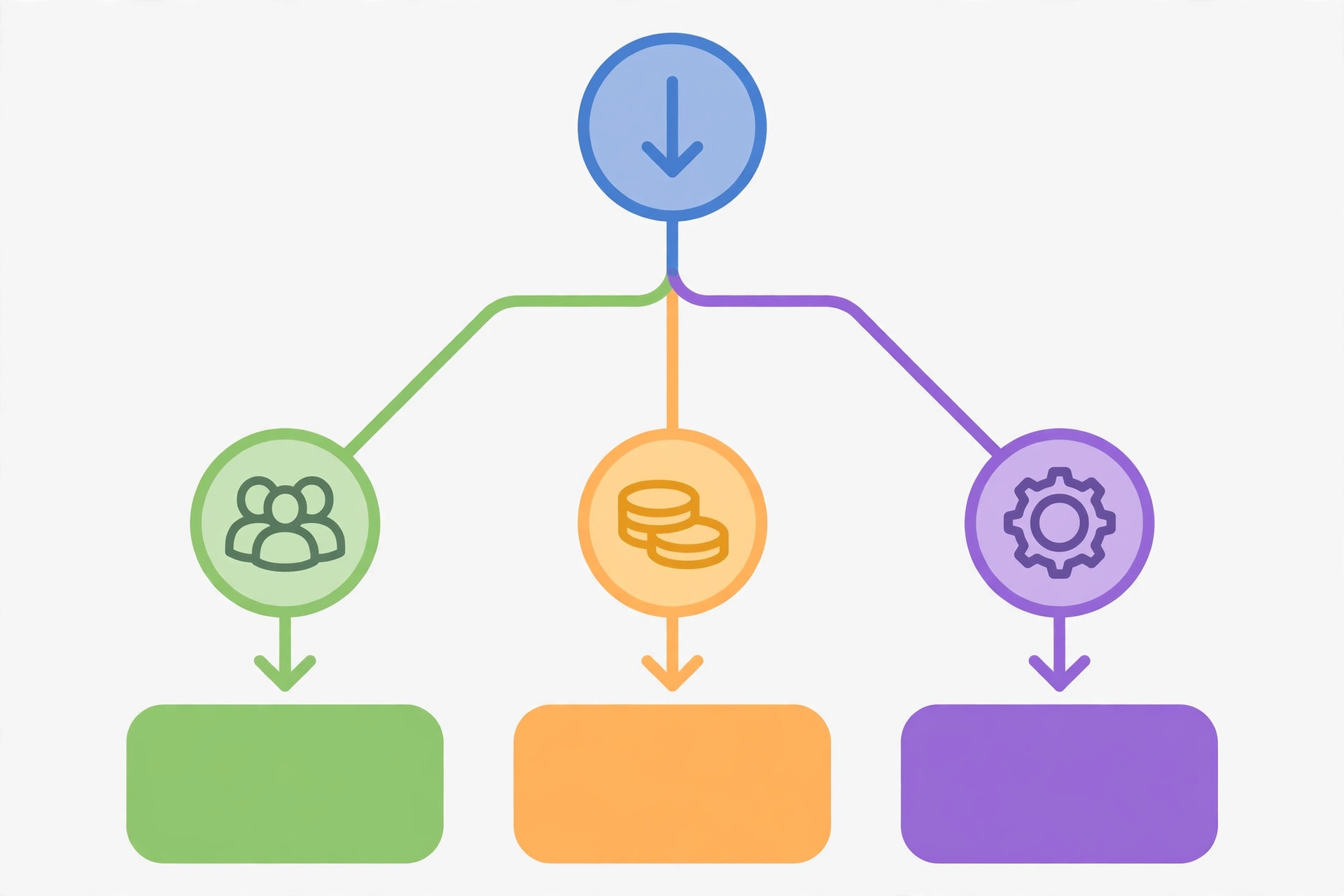
Run through these in order. Stop at the first rule that clearly applies.
- If nobody on the team writes code or wants to learn a canvas tool, pick Zapier. A tool nobody maintains is worse than a tool that costs more.
- If your flows branch, filter, or transform data more than they just move it, pick Make. The visual router will save you from a list of steps that nobody can debug.
- If you run high volume, need custom code, or want to self-host, pick n8n. Accept the maintenance cost up front, and assign one owner for updates and monitoring.
- If you already run one of the three and it works, do not migrate for a pricing page. Migrate when a specific workflow keeps breaking, costing too much, or needing logic the current tool cannot express.
- If you are a solo founder, pick the one you can debug at midnight. That is usually the one with the fewest moving parts for your specific flows, not the one with the most features.
The Migration Playbook, If You Do Switch
Switching platforms is where good teams lose a week. Do not do a big bang migration. Do this instead.
- Inventory first. List every active flow, its trigger, its destination, and how often it runs. Kill the dead ones before you move anything. In my experience, about a quarter of old flows are already dead.
- Move one workflow type, not one workflow. Move all lead routing first, or all reporting first, so you learn the new tool on a pattern, not on a single edge case.
- Run in parallel for two weeks. Let the old flow and the new flow both run, compare outputs, and only retire the old one when the outputs match.
- Set up failure alerts on day one. Every flow needs a failure path: a Slack message, an email, or a log you actually check. A silent failure is how leads disappear.
- Document the meter. Write down what counts as a billable unit on the new platform, and set a usage alert at 70 percent of your plan. Pricing surprises are a monitoring failure, not a vendor surprise.
My Recommendation for Late 2026
For most marketing and ops teams reading this blog, my pick is Make as the primary platform, with n8n for the heavy or technical workflows that Make handles awkwardly. Make gives you branching and transformation without a developer, and its pricing meter is usually kinder at volume than a task-based meter.
For non-technical teams with simple flows, Zapier is still the right answer, and there is no shame in paying for convenience while you are small. For technical founders, n8n is the long term answer, especially self-hosted, because the ceiling is higher and the marginal cost per run stays low.
What I would not do: standardize on all three at once, or pick based on a feature checklist without pricing your real volume. The tool you can maintain, afford, and debug is the tool that survives contact with your actual business.
Lessons at the End
- Compare the meter, not the monthly price. Task, operation, and execution counts change the bill more than the plan name does.
- Match the tool to the team, not to the hype. The best platform is the one your team will maintain in six months.
- Branching is the dividing line. Simple flows favor Zapier, branching flows favor Make, custom logic favors n8n.
- Self-hosting is a trade, not a free lunch. You trade a subscription bill for maintenance time. Make that trade deliberately.
- Migrate by workflow type, in parallel, with alerts. A big bang migration is how reliable automations become unreliable ones.
- Revisit yearly. These platforms change pricing, limits, and features often enough that a 2026 decision deserves a fresh look in 2027.
If you are choosing this week, start with the decision rules above, price your last 30 days of volume on each meter, and build your three most common workflows in the winner before you commit. That small test tells you more than any comparison post, including this one.