
Disclosure: This article may contain affiliate links. We earn a commission at no extra cost to you if you purchase through our links. We only recommend tools we genuinely believe in.
In February I published the longest post on this blog: 53 free marketing tools for small businesses. Twenty-one minutes, nine categories, one rule: every tool had to have a free plan that was actually usable, not a 7-day trial wearing a free label.
Eight months later, that post still gets traffic, and that is exactly why it needed a refresh. Free tiers move. Tools get acquired, limits shrink, and categories shift under you. The AI writing category alone looks nothing like it did in February. So I went back through all 53, checked what I still use, what I quietly stopped opening, and what replaced it.
This is not a rewrite of the original. The full list still stands there, and it is still a good starting point. This is the delta: what survived eight months of real use, and the starter stack I would build if I started from zero today.
How I Did the Refresh
Three buckets, no sentimentality:
- Kept: still installed, still used at least weekly, free tier still does the job.
- Dropped: stopped opening it, or the free tier stopped covering my actual use.
- Swapped: replaced by something that does the same job better on a free plan.
One rule governed all three: a free tool only counts if it survives a real month of work. A tool you sign up for and abandon in week two was never free. It cost you the setup time.
What Survived: The Core That Earned Its Place
| Tool | Job | Why it survived |
|---|---|---|
| Kit | Email and landing pages | 10,000 subscribers on free is still the most generous email tier I have found |
| HubSpot CRM | Contacts, deals, pipeline | Free forever with no contact cap, and it anchors the scoring workflow in How I Set Up AI Lead Scoring in 2026 |
| Canva | Design and social scheduling | One tool replaced two: graphics plus scheduling, so the stack got smaller |
| Google Search Console | SEO truth | Free, from Google, no substitute for query and indexing data |
| Microsoft Clarity | Heatmaps and session recordings | Unlimited and free, which ended the Hotjar session-count math entirely |
| Tally | Forms | Unlimited forms and submissions on free, still the most generous form builder I know |
| n8n | Automation | Self-hosted means the free tier has no task ceiling to hit |
| Buffer | Social scheduling | Three channels and a simple queue beat a powerful dashboard I never opened |
The pattern is obvious once you see it: the survivors are either free with no meaningful cap, or they replaced two tools at once. Anything in the middle, generous enough to try but tight enough to outgrow in a month, eventually lost.
What I Dropped, and What Replaced It
| Dropped | Why I dropped it | What replaced it |
|---|---|---|
| Hootsuite free plan | 2 accounts and 5 scheduled posts ran out before the week did | Buffer and Canva scheduling |
| Later free plan | 1 profile and 5 posts a month is a trial, not a plan | Buffer |
| Ubersuggest free searches | 3 searches a day made keyword work feel rationed | Search Console plus Ahrefs Webmaster Tools for my own sites |
| IFTTT free plan | 2 applets covered nothing once the stack grew past two tools | n8n and Make for real workflows |
| Slack free plan | 90-day message history kept eating context I needed later | Email and docs for anything I need to find again |
None of these are bad tools. Every one of them is a fine product with a paid plan worth considering. But on a free plan, each one hit the same wall: the limit arrived exactly when the tool started being useful. That is the test to run on any free tier. Does it still work on day 30, when you actually depend on it?
What Changed Since February
Three shifts matter more than any single tool swap.
1. AI moved from a category to a layer
In February, AI writing was a category with six tools in it. Now it sits underneath everything: drafts in ChatGPT or Claude, headlines tested the same way, and the editing pass still done by a human. The tools did not change much. Their position in the workflow did. If you are still treating AI as one more app on the list instead of the layer under the list, your stack is already out of date.
2. Automation replaced scheduling as the bottleneck
In February the question was which scheduler to pick. By October the bottleneck was not posting, it was everything around posting: lead routing, follow-up, enrichment, and alerts. That is why n8n and Make survived and the schedulers thinned out. The workflow posts in MCP in Practice: 5 Workflows I Actually Run Every Week are the same story from a different angle: connect the tools you already have before you buy new ones.
3. The newsletter became a growth channel, not a chore
Beehiiv's free plan, 2,500 subscribers with unlimited sends and a built-in referral program, turned the newsletter from a task into a loop: every post feeds subscribers, subscribers refer more subscribers. That is the one tool from the February list whose value went up over the year, not down, because the referral engine compounds while a static tool just sits there.
The Starter Stack I Would Build Today
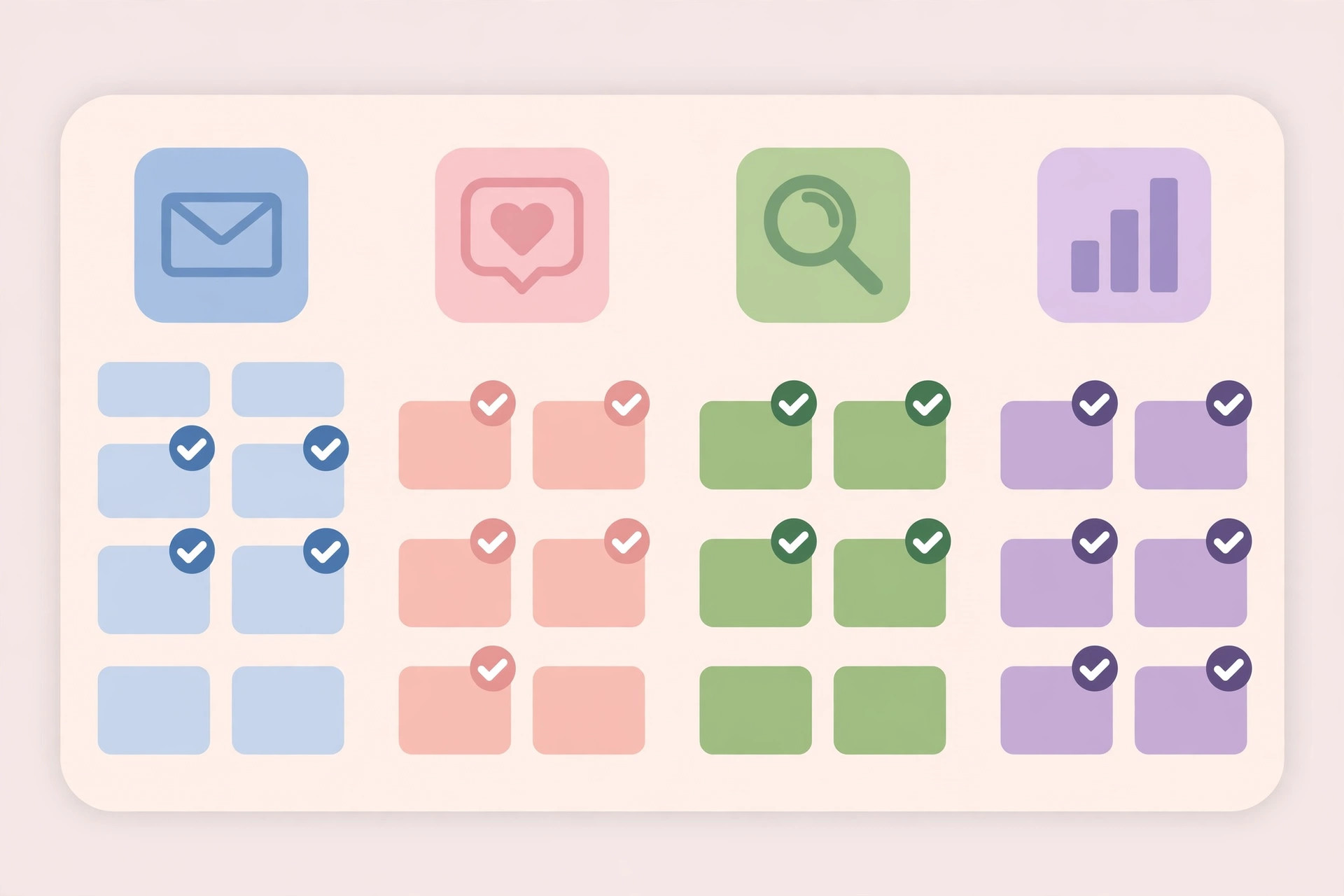
If I started from zero this week, with no budget and one afternoon, this is the whole stack. One tool per job, nothing duplicated, nothing that needs a card.
| Job | Pick | Why this one |
|---|---|---|
| Email and landing pages | Kit | Biggest free subscriber cap, landing pages included |
| CRM | HubSpot CRM | No contact cap, grows into the paid hubs later |
| Analytics | GA4 plus Search Console | Both free, both from Google, both non-negotiable |
| Design | Canva | Templates plus scheduling in one place |
| Social scheduling | Buffer | Simple queue, three channels, no dashboard guilt |
| Heatmaps | Microsoft Clarity | Unlimited sessions, rage-click detection included |
| Forms | Tally | Unlimited everything on free |
| Automation | n8n self-hosted, or Make free | n8n if you can run a container, Make if you cannot |
| Project management | Trello | Boards, cards, and a content calendar in an afternoon |
| Newsletter | Beehiiv | Referral program turns readers into growth |
Total monthly cost: zero. Total setup time: one focused afternoon, not one tool per day for a month. The mistake in February was presenting 53 tools as if the goal were collecting them. The goal is eight tools you actually open.
Three Rules for Free Tools, October Edition
- One tool per job, enforced. The moment two tools do the same thing, one of them is a subscription waiting to happen. Pick, delete the other, and move on.
- Test the free tier at real volume, not demo volume. Schedule a full week of posts, import a real list, run a real automation. If the limit hits in week one, it will hit every week.
- Check the exit before you commit. Can you export your contacts, your posts, your forms? A free tool that locks your data in is not free. It is a future invoice with your work held hostage.
Lessons From Eight Months With This List
The February list was right about the tools and wrong about the framing. Nobody needs 53 tools. They need the discipline to run eight of them for a year, and a quarterly audit to kill the ones that stopped earning their place. Free tiers will keep shrinking, AI will keep moving from category to layer, and the stack that wins is the one you can explain in one sentence.
Mine, today, is this: Kit for email, HubSpot for contacts, Canva for design, Buffer for scheduling, Clarity for insight, Tally for capture, n8n for automation, and Beehiiv for the newsletter. Everything else on the original list is a backup, not a habit.
Go read the original 53-tool list, pick your eight, and set a calendar reminder for January to audit them the same way. That reminder is worth more than any tool on either list.
Wesso