
Disclosure: This article may contain affiliate links. We earn a commission at no extra cost to you if you purchase through our links. We only recommend tools we genuinely believe in.
In March I wrote about the speed-to-lead workflow I built in HubSpot with OpenAI and n8n. The problem was simple: our median first contact time was 3 hours and 24 minutes, and leads were talking to competitors before we called them back.
Seven months later the workflow still runs, but it is not the same workflow. Four things changed, and they changed because the March version had real weaknesses I only saw once it ran every day.
What I Ran in March
The original setup, covered in full in AI Speed-to-Lead Workflow: Qualify and Route Inbound Leads in Minutes, did three jobs the moment a form was submitted:
- Qualify the lead with clear rules
- Route it to the right person
- Trigger the first follow-up in minutes, not hours
The stack was HubSpot for forms and ownership, OpenAI for the summary and fit score, Slack for alerts, and n8n as the orchestrator. That stack has not changed. What changed is the logic inside it.
What Changed Since March
1. Routing by fit, not round robin
The March version routed by form type and availability. That meant a great-fit demo request could sit with whoever was next in line, while a low-fit lead got the same fast treatment.
Now the AI fit score decides the queue. High-fit leads go straight to a senior rep with a Slack alert. Medium-fit leads go to the regular queue. Low-fit leads get an automated email and no alert at all. The alert channel stays quiet, so when it pings, people actually move.
This pairs directly with the scoring setup in How I Set Up AI Lead Scoring in 2026. Same scores, different job: scoring decides who is worth chasing, speed-to-lead decides how fast.
2. The first touch is a real note, not a receipt
The March version sent a generic "thanks, we will be in touch" email while the rep got ready. It was fast but empty, and empty fast is still empty.
Now the first touch is a short, specific note drafted from the form data: what they asked about, one relevant next step, and a real reply-to address. A human still sends it during work hours. The AI drafts, the rep edits in under two minutes and sends. After hours, the draft waits in a queue instead of going out cold.
3. SLA tiers with an escalation rule
March had one target: fast. October has tiers, because not every lead deserves the same speed, and one target for everything meant nothing was actually enforced.
| Tier | Who | Target first touch | If missed |
|---|---|---|---|
| Hot | High fit, demo or pricing form | Under 5 minutes, work hours | Escalates to team lead at 15 minutes |
| Warm | Medium fit, contact form | Under 30 minutes, work hours | Moves to top of next morning queue |
| Cool | Low fit, any form | Automated email only | No escalation, nurture track |
| After hours | Any tier, outside work hours | First touch by 9:30 a.m. next workday | Draft pre-written, rep reviews first |
The escalation rule is the part that matters. A target nobody watches is a wish. The 15-minute escalation goes to a different person than the original owner, so a missed lead is visible to someone else, not just buried in one inbox.
4. Weekend and after-hours coverage, without fake speed
The March workflow pretended after-hours leads did not exist until Monday. That was the biggest gap in the whole system: a Friday night demo request waited two days.
Now the workflow drafts the first touch on arrival, any hour, and queues it for the next workday morning. It also flags any after-hours lead that fits the hot tier, so Monday starts with a sorted list instead of a pile. Nobody pretends we replied at midnight. We just stop losing the weekend.
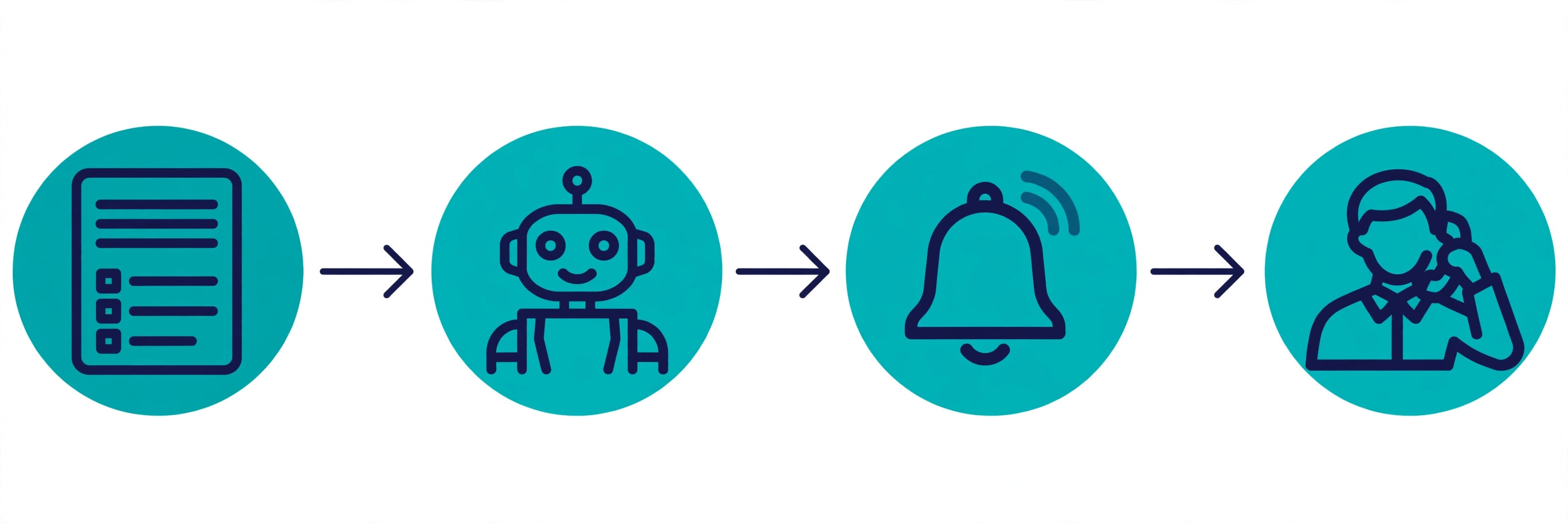
The Updated Stack
| Piece | Tool | Job | Typical cost |
|---|---|---|---|
| Forms and CRM | HubSpot | Capture, contact record, ownership | Free tier to start, paid as you scale |
| Orchestration | n8n | Triggers, routing, escalation timers | Self-hosted free, cloud from about $20/month |
| AI summary and scoring | OpenAI API | Fit score, draft first touch, next action | Budget $20 to $50/month at small volume |
| Alerts | Slack | Instant owner alert, escalation channel | Already in most stacks |
| Enrichment | Clearbit or Apollo, optional | Company size and role when the form is thin | Only add when form data is regularly incomplete |
Nothing exotic. The whole point of this workflow is that it is boring enough to keep running.
The 5 Steps, Updated
- Step 1: Trigger on high-intent forms only. Demo requests, contact sales, pricing inquiries. Newsletter signups stay out, or your alert channel becomes noise and reps stop reading it.
- Step 2: Enrich before AI touches it. Email domain, company name, job title, team size if given, source, and the page the form came from. Do the cheap domain check first: free email domain, corporate domain with a live site, or suspicious pattern. This filters junk before you spend tokens.
- Step 3: Score fit and intent, in that order. Fit first, because a high-intent lead from the wrong company is still the wrong lead. The prompt returns fit score, intent score, priority tier, recommended owner, a one-line reason, and the next best action, as JSON only.
- Step 4: Route and alert by tier. Hot tier gets a Slack alert with the summary, the reason, and the suggested next action, not just "new lead." Warm tier gets a task, not an alert. Cool tier gets the automated email and nothing else.
- Step 5: Enforce the SLA with a timer. The escalation timer starts at assignment, not at form submission, so you measure what your team controls. If the timer fires, the lead moves to a second owner and the miss is logged. Review the misses weekly, not monthly, or the pattern hides.
What I Stopped Doing
- Alerting on every form. Every alert trains reps to ignore alerts. Only hot tier pings a channel.
- Letting the AI send the first touch unsupervised. A fast wrong message is worse than a slightly slower right one. Drafts, not sends, during the first-touch step.
- Measuring speed from submission to reply. That number mixes form timing, nights, and weekends into one misleading average. Measure from assignment to first human touch, inside work hours, by tier.
- Adding tools to fix discipline problems. When misses spiked, the fix was the escalation rule and a weekly review, not a new platform.
Lessons
Speed-to-lead is not a tool problem. It is a queue problem with a timer problem underneath. The March version proved the automation could work. The October version proves it can keep working, because the alerts are rare enough to matter, the tiers are honest about what deserves speed, and a missed lead is visible to a second human instead of quietly aging in one inbox.
If you build one thing from this post, build the escalation rule. Everything else in the workflow is table stakes. The escalation rule is what turns a fast system into a reliable one.
Wesso